
Centralised operations
Bring relevant departmental processes and records together in one platform.
Smarter Operations. Greater Visibility. Better Decisions.
Platform features
NASKORE connects operational records with review and reporting. Access is aligned to each user's role, department and branch.

Key capabilities
Features are configured around the organisation's structure and the responsibilities of each team.
Bring relevant departmental processes and records together in one platform.
Give authorised management and department heads access to relevant information and reports.
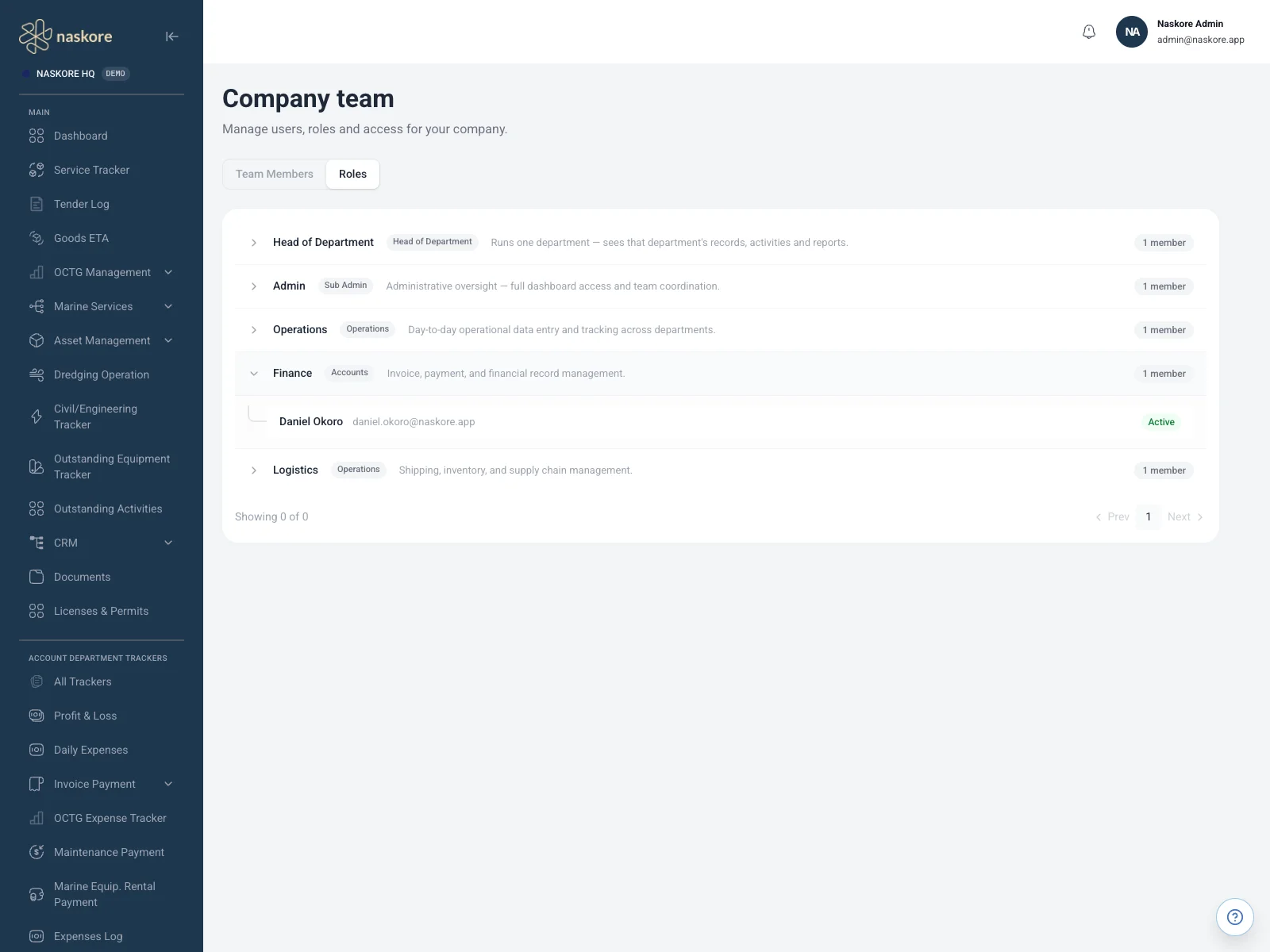
Set permissions based on a user's role, department and branch.
Configure branch information and user access separately while head office maintains oversight.
Keep operational information, invoices, expenses and equipment records structured.
Review departmental activities and monitor outstanding items where tracking is enabled.
Review workflows, modules, user roles and reporting requirements around each organisation.
Summarise relevant operational information for management review and planning.
Limit visibility and updates to the people whose responsibilities require them.
Access with purpose
Access is not just about restricting information. It is about making each person's working view clearer. Permissions can follow role, department and branch, with oversight configured for authorised management.
Operational workflow
NASKORE is intended to connect day-to-day records with review and reporting.
Departments enter and maintain information.
Invoices, expenses and other records are updated.
Authorised users review activities and open items.
Relevant information is summarised for review.
Management uses available information to plan next steps.
Common questions
Yes. With appropriate configuration, branch-level information and user access can be separated while authorised head-office users maintain oversight across the organisation.
NASKORE is structured around departmental modules. The modules and workflows included for an organisation are confirmed during the requirements discussion.
No. This website introduces NASKORE and its services. The software platform is a separate secure environment where authorised users carry out their business activities. A client login link is only added when the approved live URL is provided.
Implementation starts with a requirements review and a demonstration of the modules most relevant to the organisation. Scope, configuration, deployment and training are then planned together.
Reporting requirements are reviewed during the demonstration and requirements assessment. Additional reporting needs are documented for separate discussion.
A demonstration is the quickest way to understand how the features apply to your organisation.